
Economy Designer 3.0 DTC Login App
Accessing your Economy Designer 3.0 DTC Login App is simple and fast.
First, download the AIM Global 3.0 DTC Login App for Android from the official source.
Next, open the app and navigate to the DTC Login Page.
Your AIM Global username and password, which you received when registering, allow you to log in.
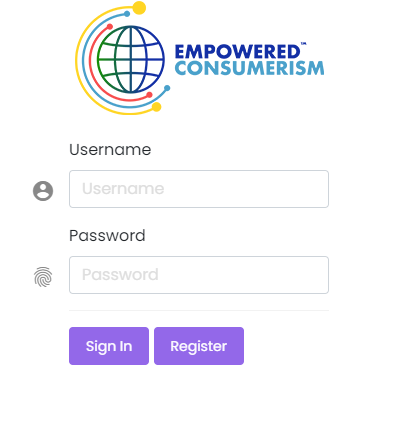
After entering your credentials, tap Login to open your AIM Dashboard Interface. The dashboard displays your account details and tracking tools.
Should you encounter any login issues, consider visiting your nearest AIM Global office to reset your password. Alternatively, you can reach out to your upline for guidance and support.